How to Choose the Right Online File Merger
How to Choose the Right Online File Merger
Online file merger tools are useful only when they save time without creating new risk.
The best browser-based tools should be judged on a few practical questions:
- does the tool support the file type you actually use
- does it process files locally or upload them somewhere
- can you control ordering and output settings
- is the result predictable enough for real work
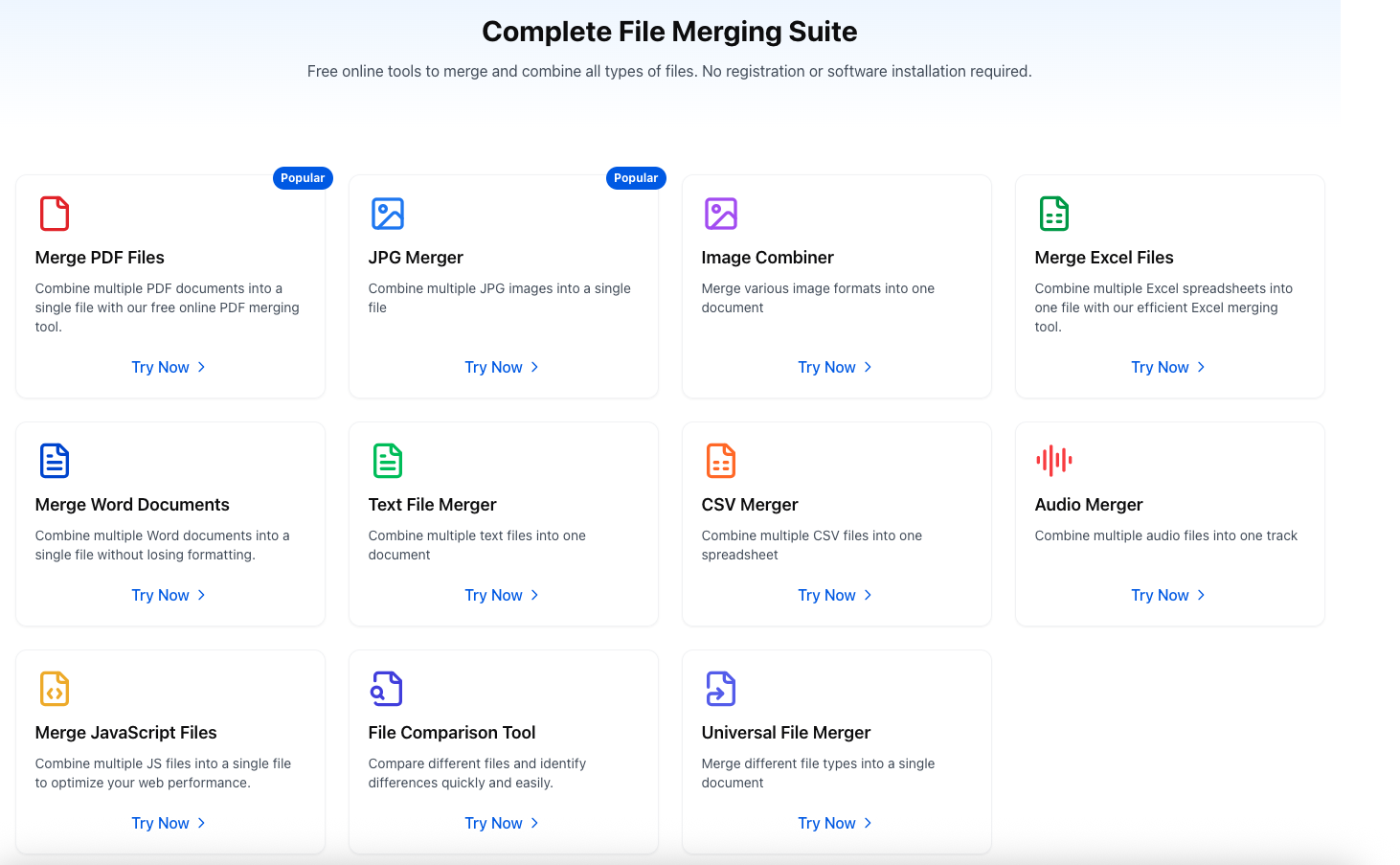
FileMerges is built around that model. The goal is not to be flashy. The goal is to make routine merge tasks simple, fast, and private enough for everyday use.
What Matters Most in a File Merger
Format support
Some tools only handle one narrow format. Others claim broad support but fail on ordinary files.
If you regularly work with:
- Word
- Excel
- CSV
- JPG
- text files
- JavaScript files
- MP3 files
then you need a tool that is explicit about what it supports and what the output will look like.
Privacy model
Privacy claims should be specific.
For browser-based tools, the important distinction is whether processing happens on your device or whether files are sent to a remote server. For common file merge tasks, local processing reduces both latency and trust overhead.
Output control
A useful merger should let you control at least some of the final result:
- file order
- output format where relevant
- spacing or layout for image merges
- basic output quality settings
Honest limitations
This is the part most tool sites hide.
Not every format can be merged with the same fidelity. Combining PDFs is not the same as combining Word documents. Combining plain text is much simpler than combining structured office files. A reliable tool should make those limits obvious instead of pretending every merge is perfect.
Common Use Cases
People usually need an online file merger for one of these reasons:
- combine scanned pages into one PDF
- join multiple screenshots into one image
- merge exported CSV data from different sources
- build one reference document from several text files
- assemble a lightweight portfolio or submission packet
These are practical, repetitive tasks. The tool should reduce manual copying and reordering, not add another layer of complexity.
Why Browser-Based Tools Work Well
For many merge tasks, browser-based tools have real advantages:
- no installation
- fast iteration
- simple sharing across devices
- lower infrastructure complexity
That said, they are still limited by browser memory and device performance. Large files and complex formats need realistic expectations.
Final Advice
When evaluating an online file merger, ignore generic marketing language and check three things:
- whether the route and tool actually exist
- whether the output matches the promise
- whether the site is clear about limitations
That sounds basic, but it is the difference between a trustworthy utility and an SEO page pretending to be one.